Tab 01 — Limits
Limits at a glance
/usage-style cards for your 5-hour and weekly windows: how much is free, burn prediction, and pace warnings — read straight from the menu bar.
The only Claude usage monitor that keeps your tokens in the macOS Keychain — never a file, never a server. Hit your limit? Switch Claude accounts in one click — no re-login, no lost context. A tiny macOS menu bar app that predicts when your Claude Code usage will run out, tracks your 5-hour and weekly limits, and watches your Mac's CPU & memory alongside it — all at a glance.
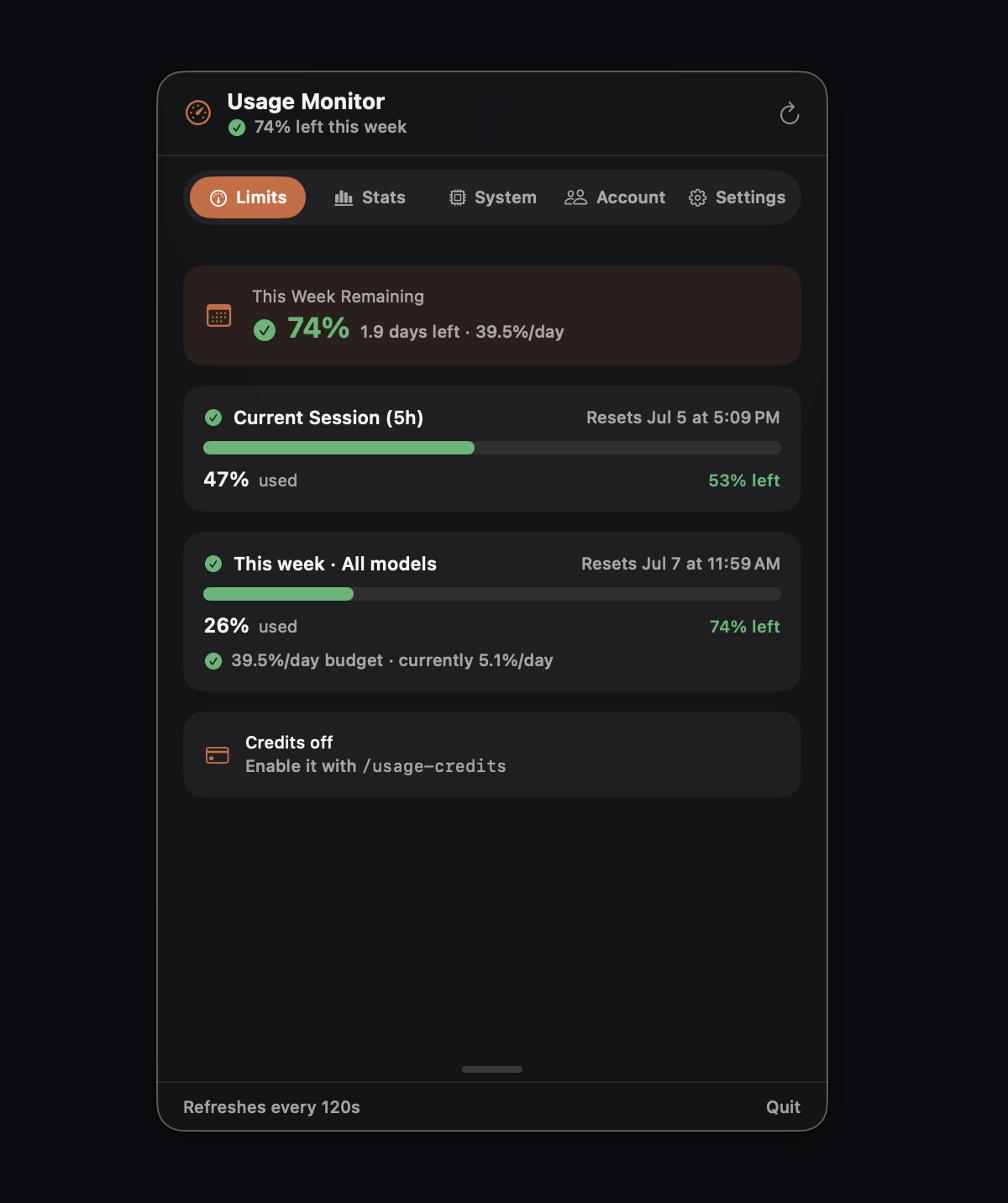
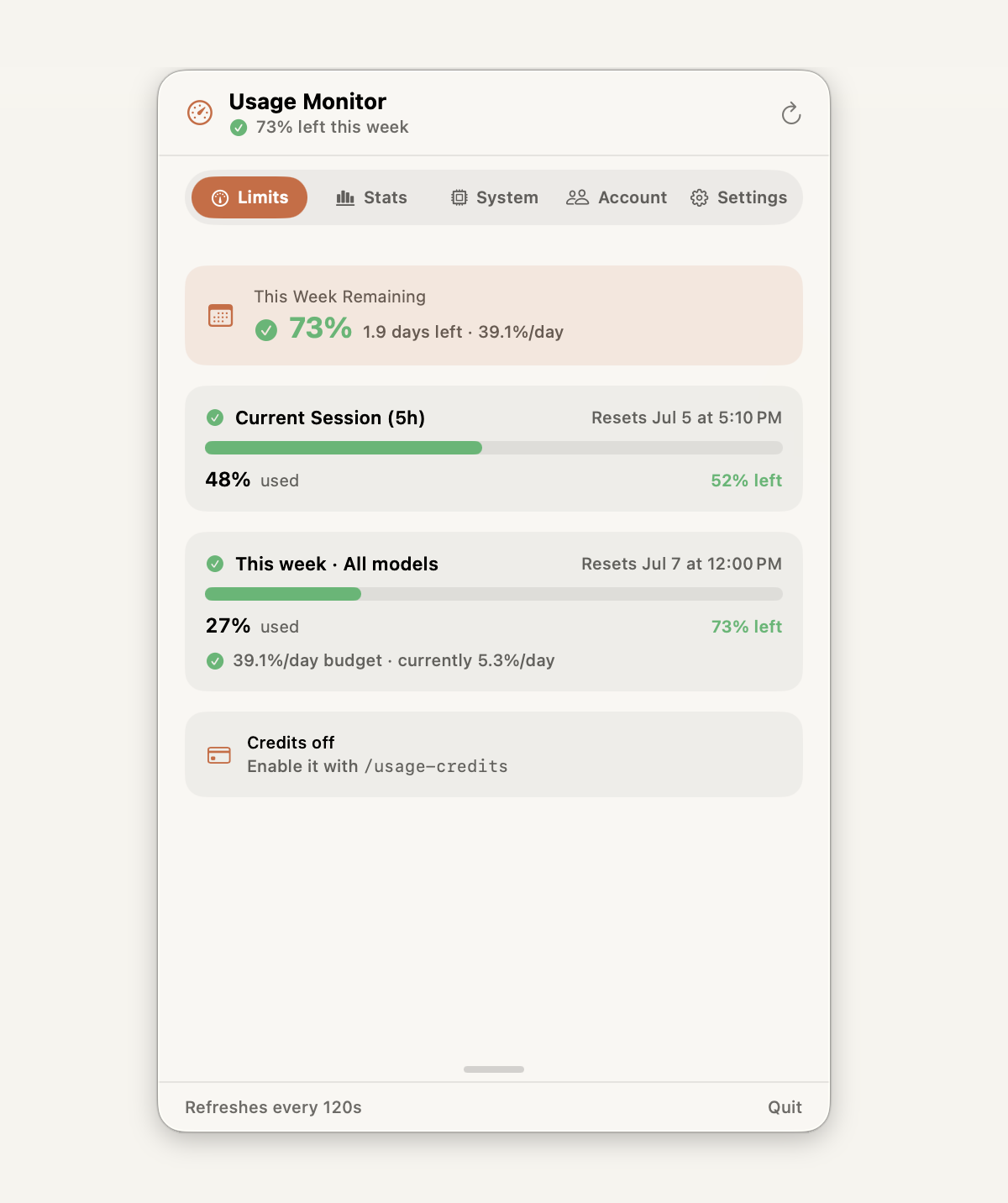
↑ actual app · full tabs below
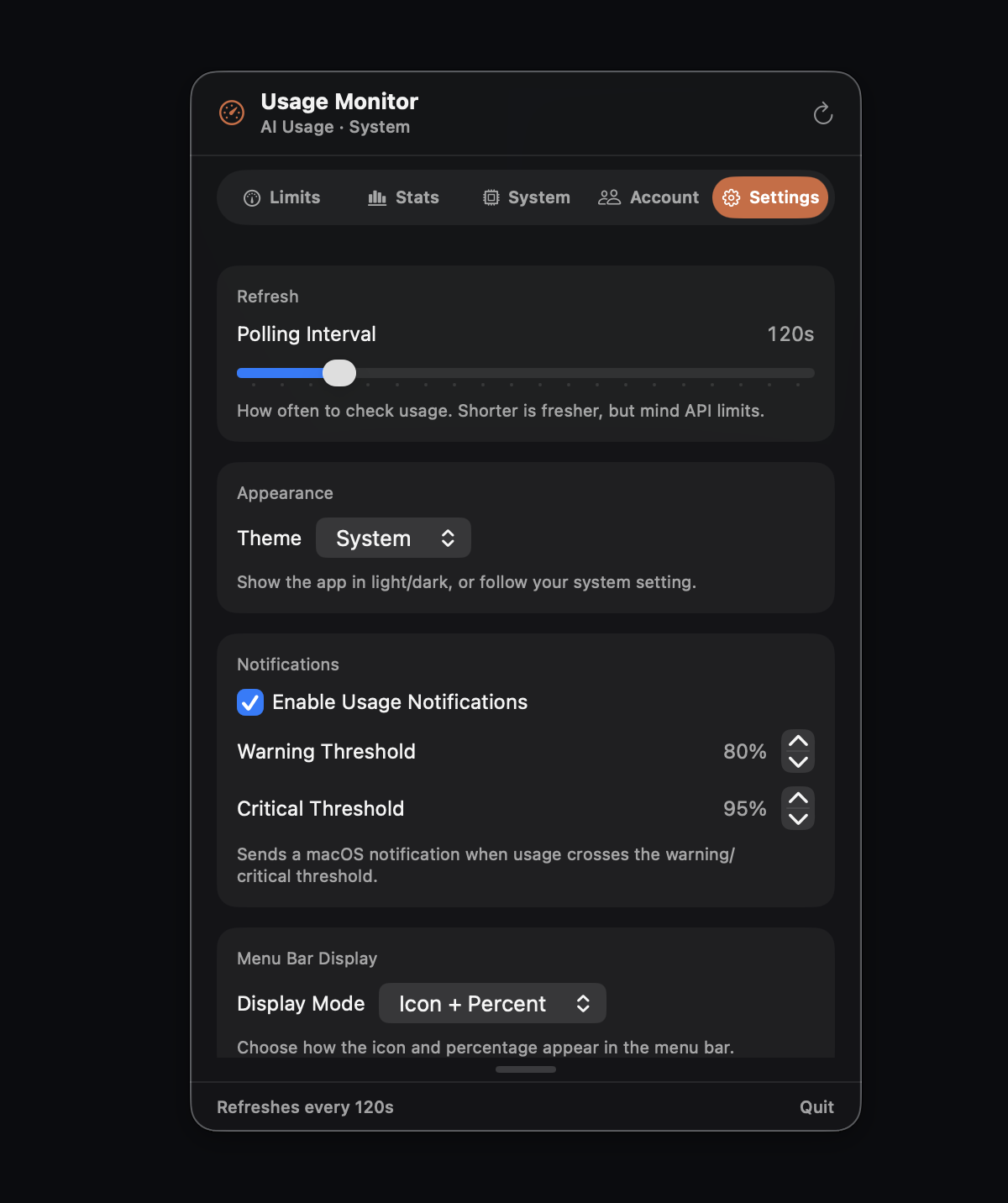
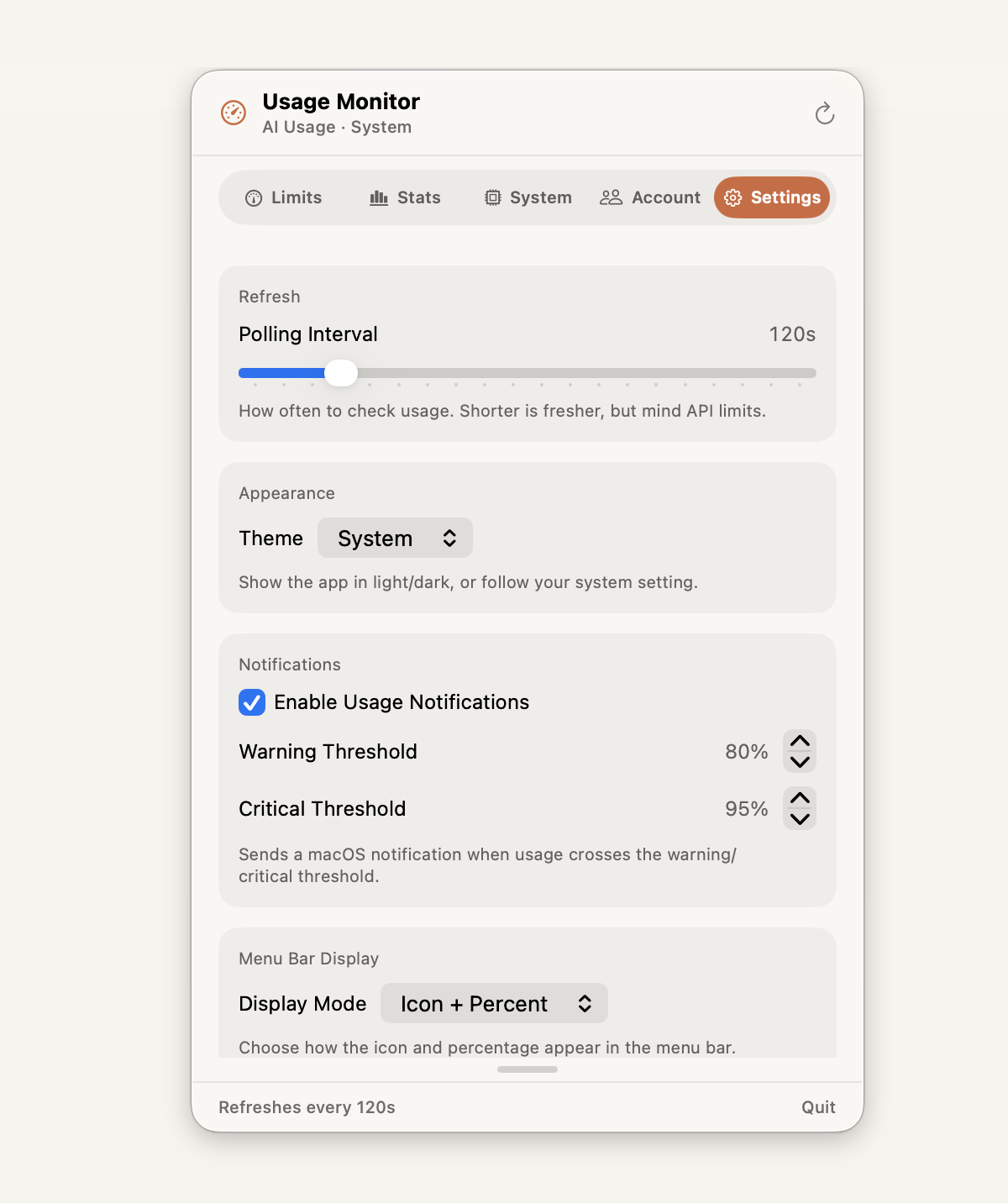
Click the menu bar icon and it's all there — Limits, Stats, System, Account, and Settings. No dashboard to open, no browser tab, no context switch.
/usage-style cards for your 5-hour and weekly windows: how much is free, burn prediction, and pace warnings — read straight from the menu bar.
Model breakdown (see which Claude models you actually use), an activity heatmap that spots your peak coding hours, and a 14-day token trend — the insight most usage trackers never show.
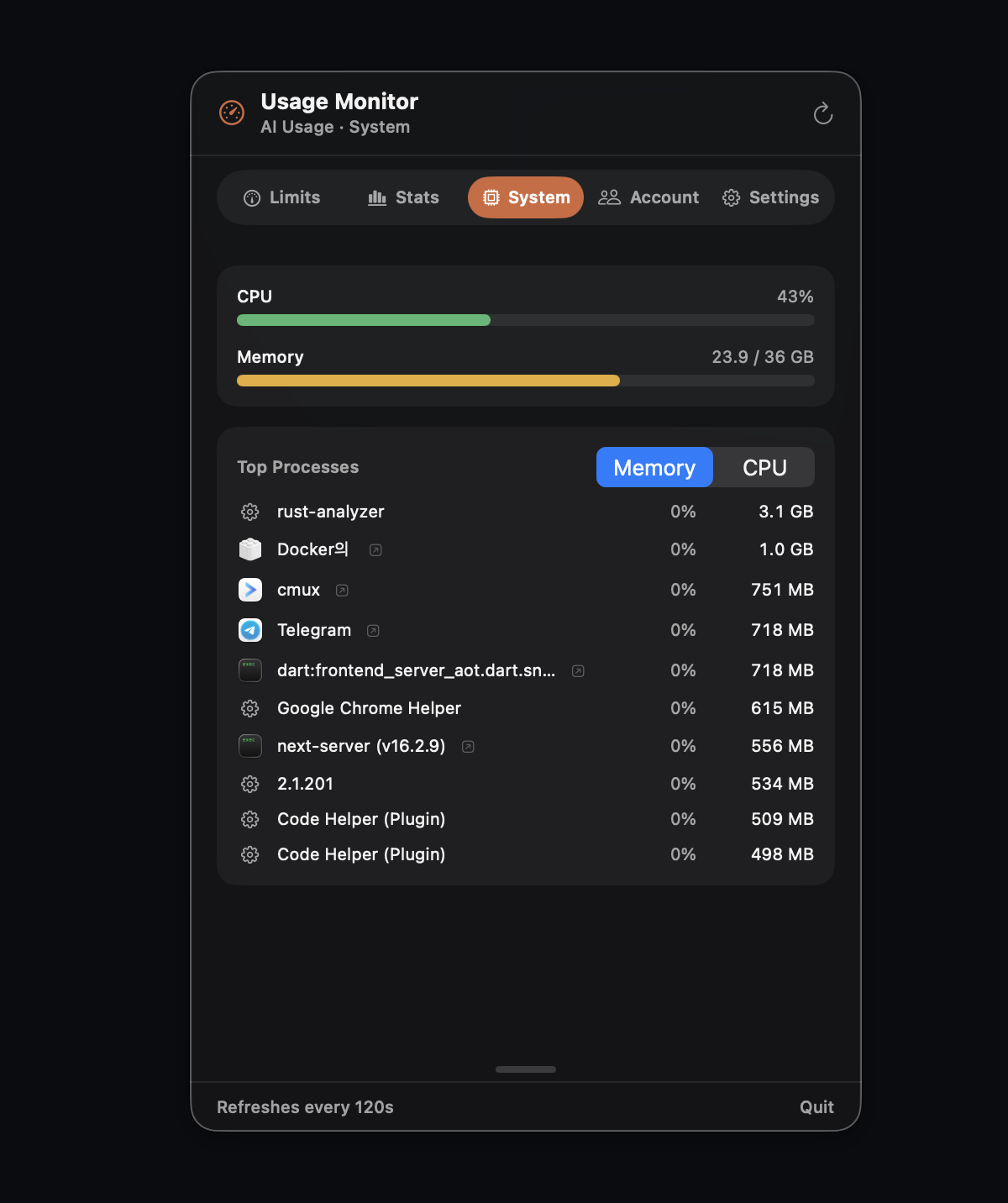
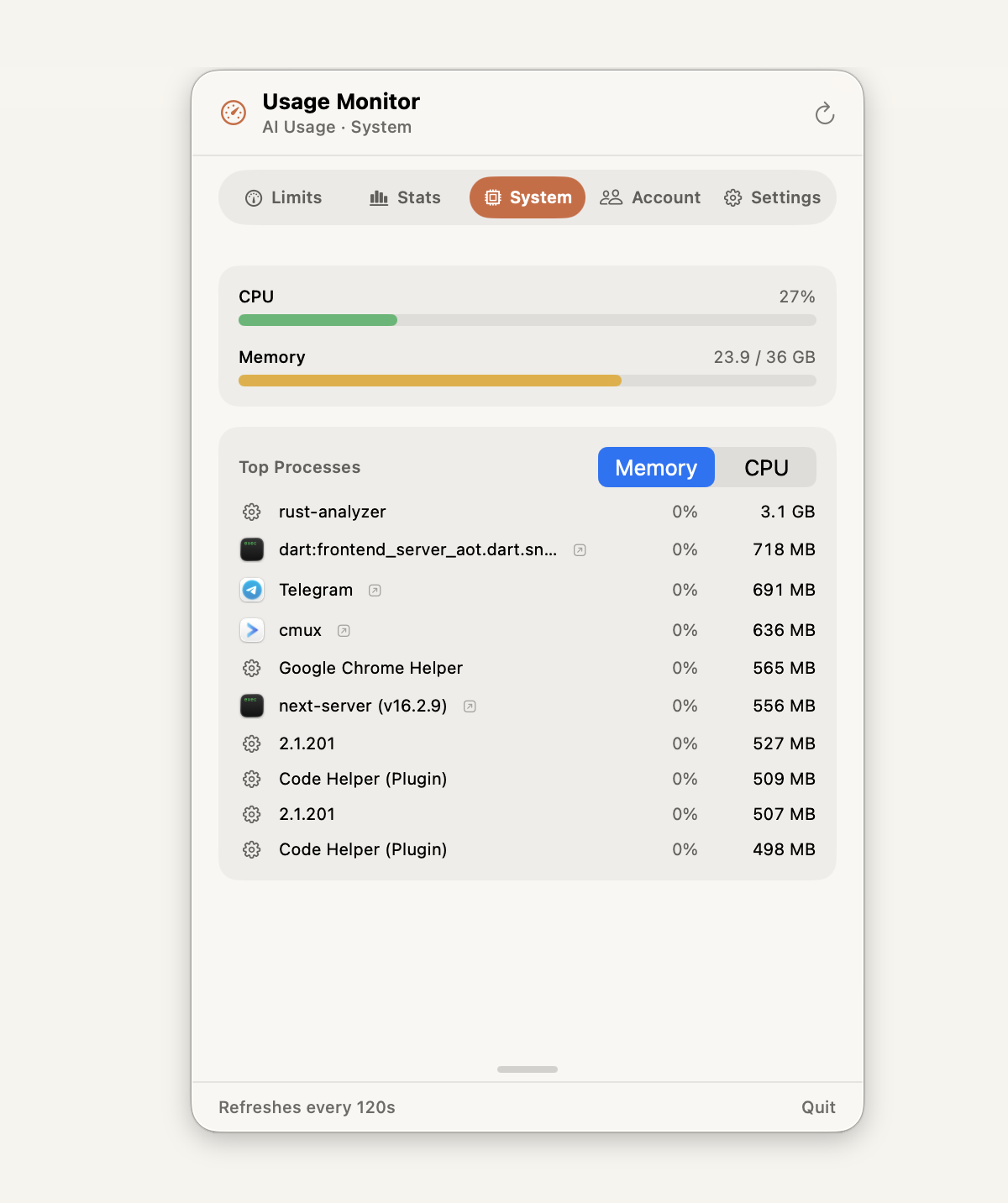
CPU, memory, and process load — right beside your Claude usage. When a heavy build or a long agent run is eating your Mac, you'll see it without switching apps.
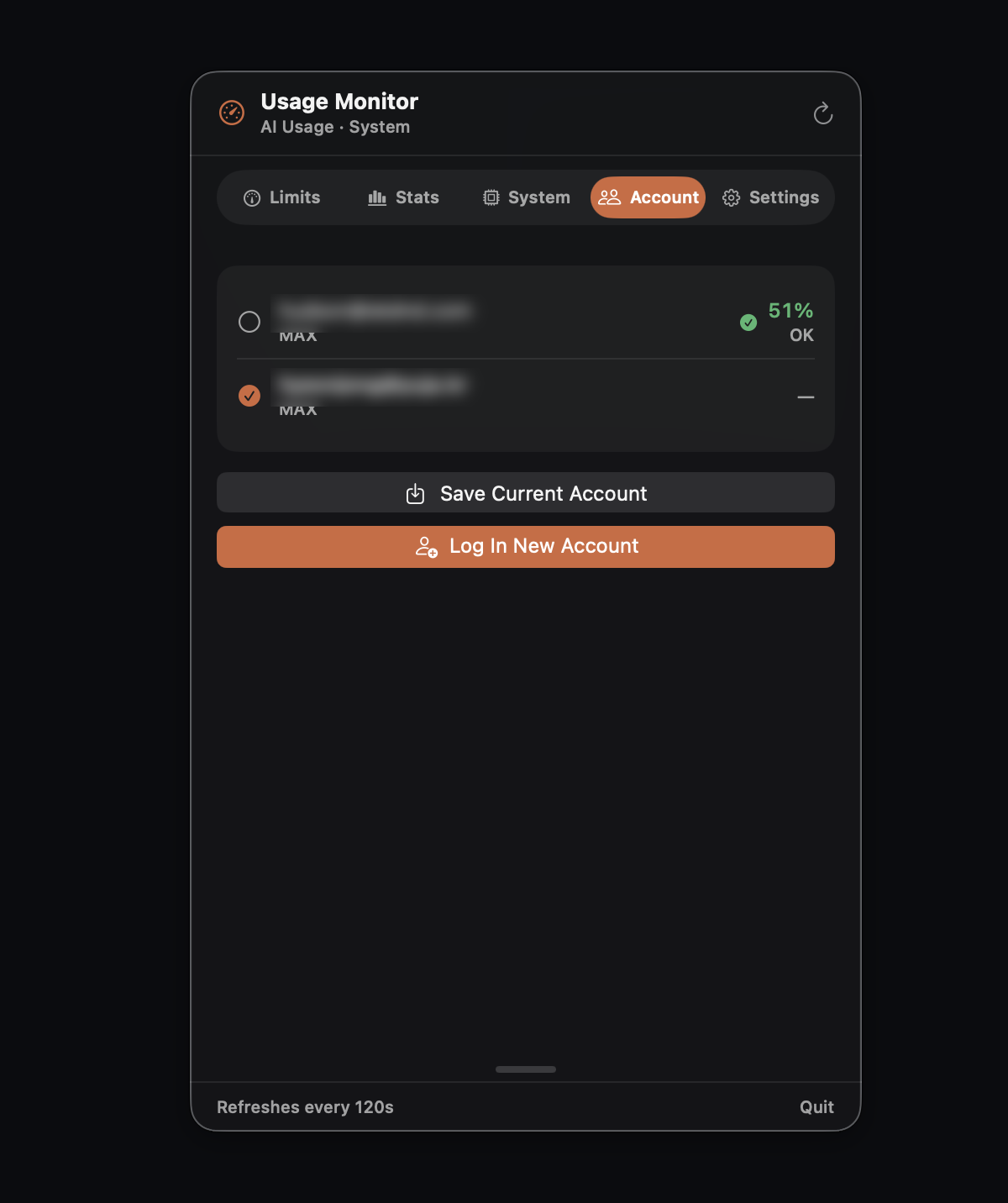
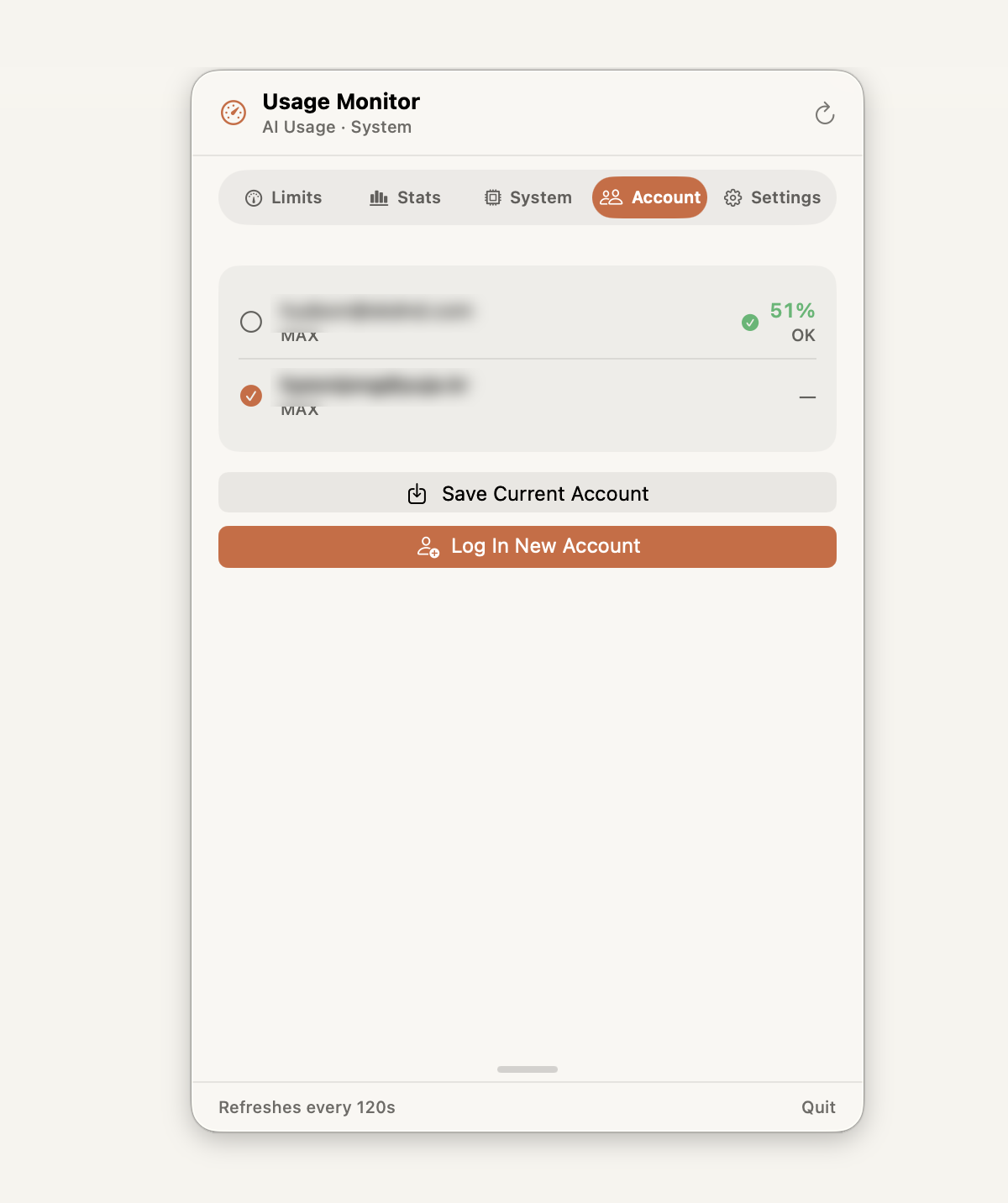
Juggling multiple Claude accounts? Switch in one click — easy. And safe: credentials never leave the macOS Keychain, moving atomically between it and your config — no re-login, no plaintext, no risk. (Settings — the 5th tab — holds theme, thresholds & polling.)
Most menu bar trackers show a single percentage and call it a day. Usage Monitor adds what multi-account developers actually need — three things at once: one-click account switching when you hit a limit, real usage patterns instead of a bare number, and your system's health — all in the same dropdown.
Built with SwiftUI. No web view, no Electron — just a crisp menu bar dropdown that feels like part of the system.
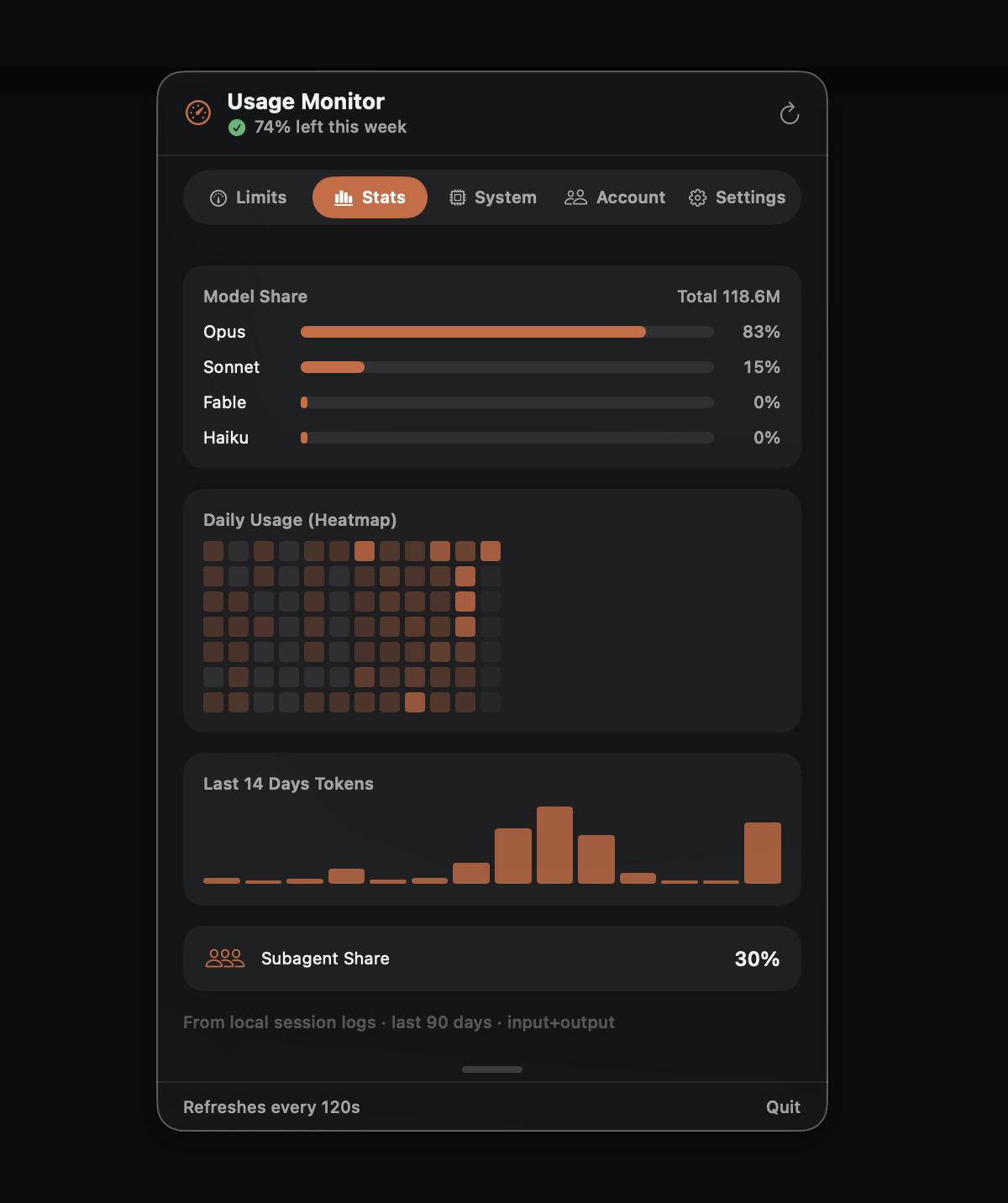
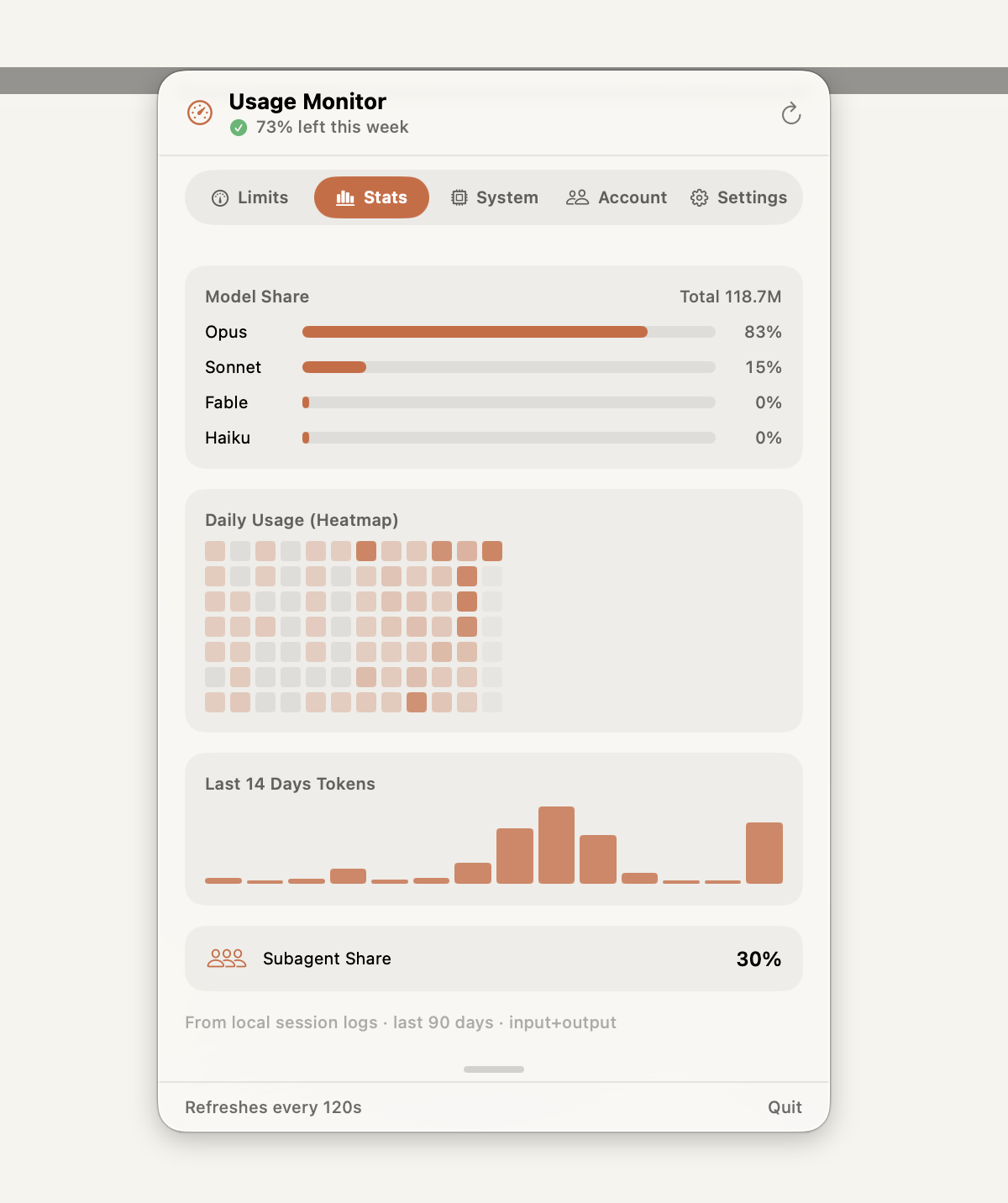
We can't show you download counts we don't have. Here's what we can prove instead — every claim is verifiable.
Download and every feature is unlocked for a full day — no card, no sign-up. After 24 hours the app locks; a one-time $7 purchase unlocks it for good. No subscription, ever.
Start your free 24 hoursmacOS 14.0 Sonoma or later · Apple Silicon & Intel · ~4 MB download
Try every feature free for 24 hours — no card. If it earns its place in your menu bar, it's $7 once. That's it.